Sunyoung Seo
Product Designer
UI · Service Design · User Research · Prototyping
With nearly a decade of UX design experience at Samsung Electronics, I specialize in creating accessible, user-centered digital experiences across mobile platforms, smart home appliances (IoT), and applications. Having evolved from a GUI designer into an end-to-end product and service designer, my expertise spans UI design, service design, user research, and prototyping.
By leveraging human-centered frameworks — such as customer journey mapping, service blueprints, and pain point identification — I bridge design thinking with business objectives to transform deep user insights into successful, market-ready products.
My approach to UX design is rooted in a rare level of pixel-level craftsmanship. Early in my career during the feature phone era, I learned to maximize user experience within strict hardware constraints. To deliver rich motion on limited screens, I hand-crafted physical collages for all nine main menu icons, built frame-by-frame animations in Photoshop, and optimized them into lightweight GIFs for developer handoff. When transparent indicator bars were not yet supported, I strategically designed key screens to visually simulate transparency. I even turned hardware limitations into design solutions — studying LCD displays with vertical line defects to integrate those lines into the GUI seamlessly.
By balancing user experience with development efficiency under severe technical constraints, I cultivated an extraordinarily sharp, intuitive eye for visual integrity. In an era dominated by AI-generated output, it is ultimately an experienced designer with this deep discipline who can audit ambiguity, correct flaws, and deliver true quality.
Featured Projects
Family Hub
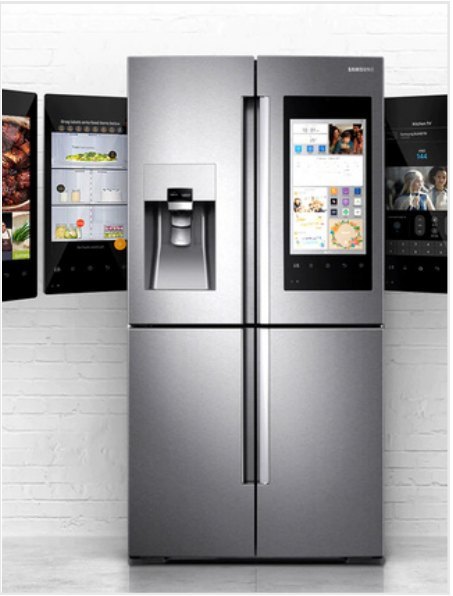
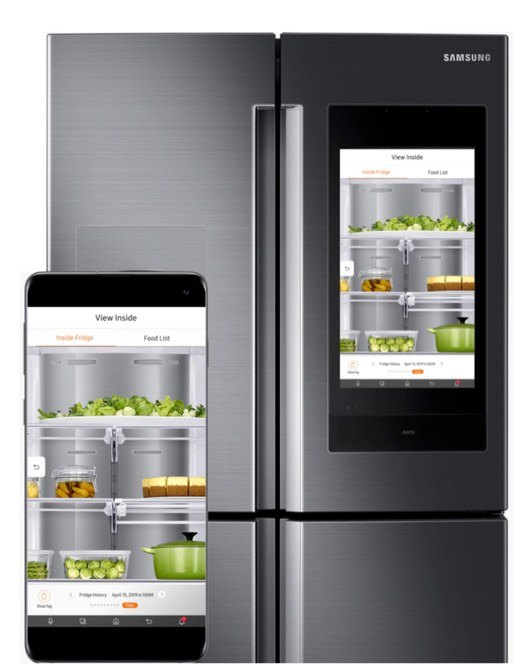
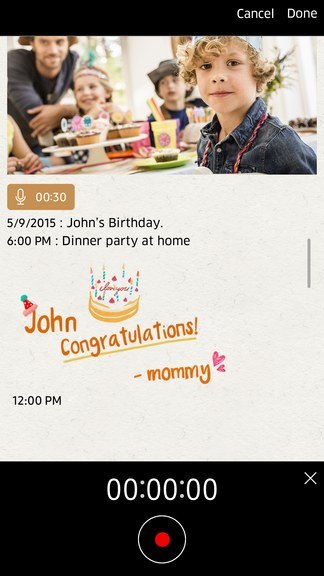
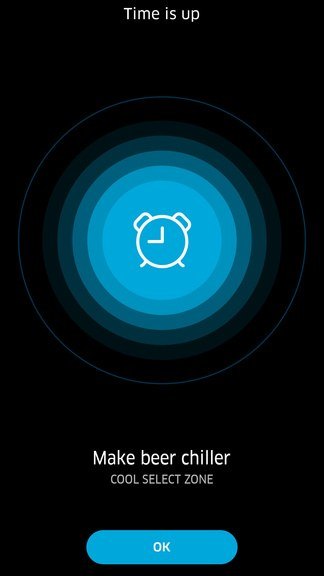
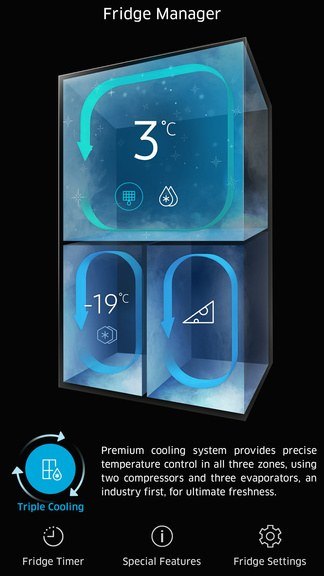
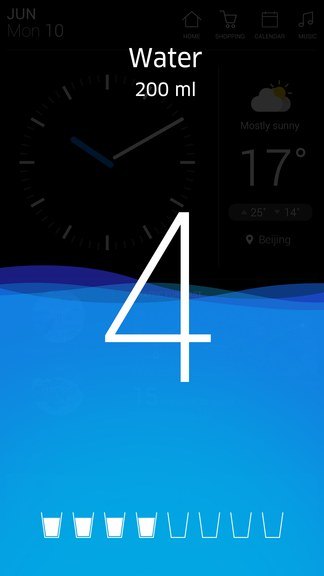
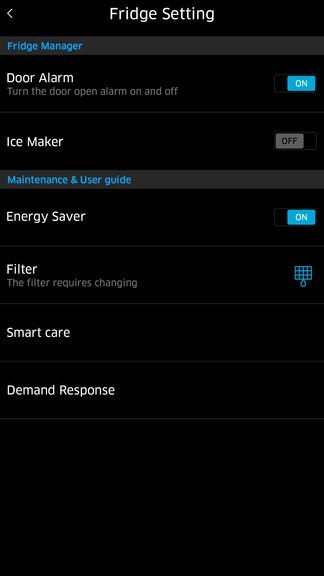
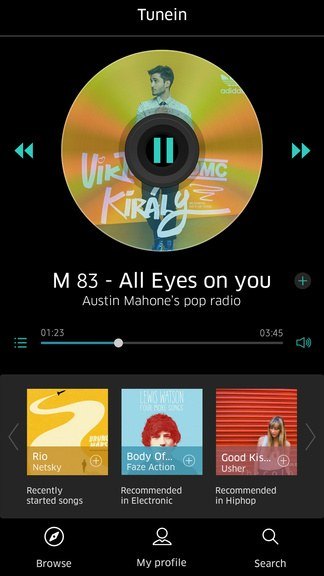
Family Hub is a high-definition touchscreen mounted on a refrigerator door, providing useful and engaging information for the whole family. It is a screen nobody chooses to open — it is simply there, in the kitchen, glanced at by everyone in the household throughout the day.
The panel's View Inside feature lets users check the contents of their fridge on the way home to see what they need for dinner — like checking whether they are low on milk. It also tracks expiration dates for food items and leverages Bixby to simplify food management, helping users plan meals like a pro. Around that core sit the everyday screens: shared memos and photos, a Cool Select Zone timer, the Fridge Manager view of all three cooling zones, a measured water dispenser, settings, and media.
My contribution began with GUI trend research and ran through the foundations the rest of the panel is built on — basic rules, winset, and Settings UX design — as well as key screen design. Because this display is fixed to a refrigerator door rather than held in the hand, I also worked on GUI accessibility and reachability, optimizing the interface for the full range of user heights and viewing angles rather than for a single ideal posture.
Role & Contribution
- GUI trend research
- Basic rule, winset, and Settings UX design
- Key screen design
- GUI accessibility & reachability optimization for all user heights and angles
Cornerstone
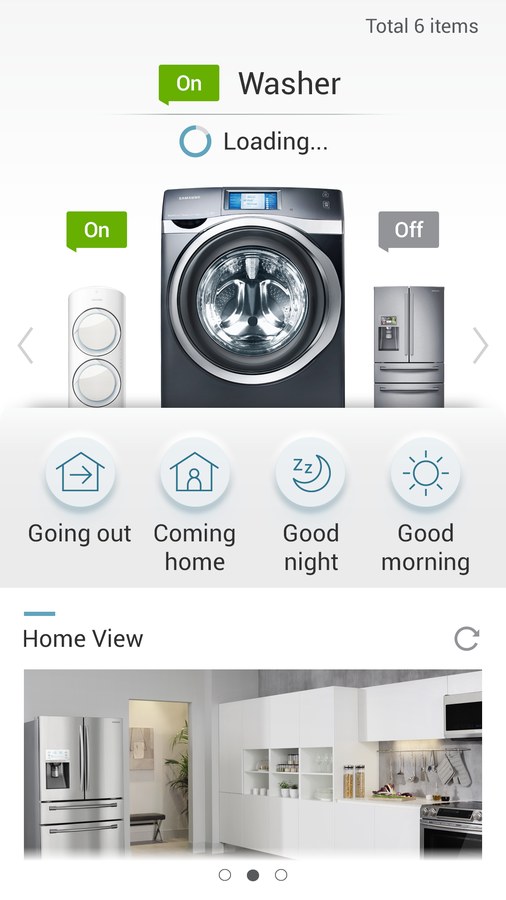
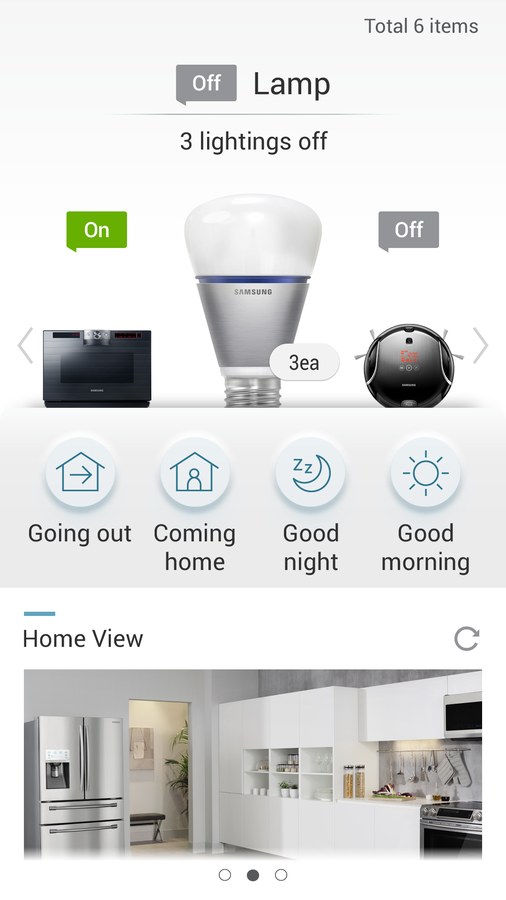
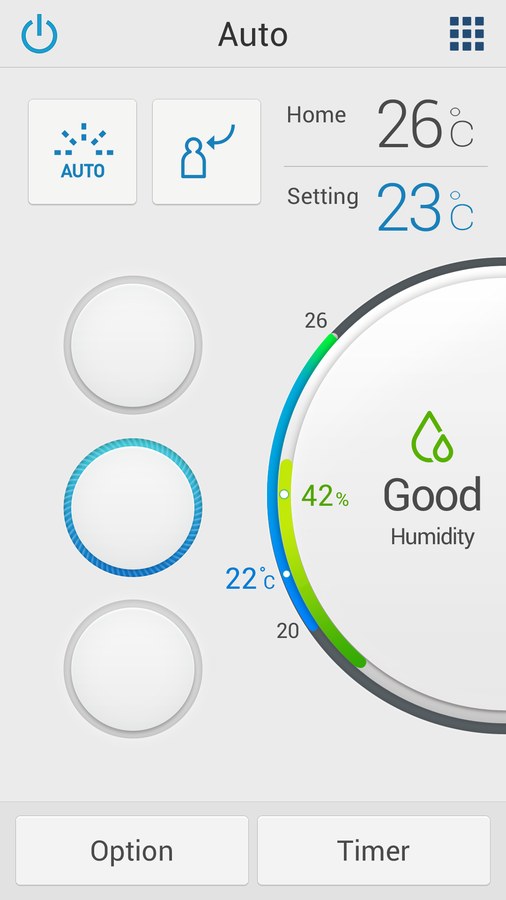
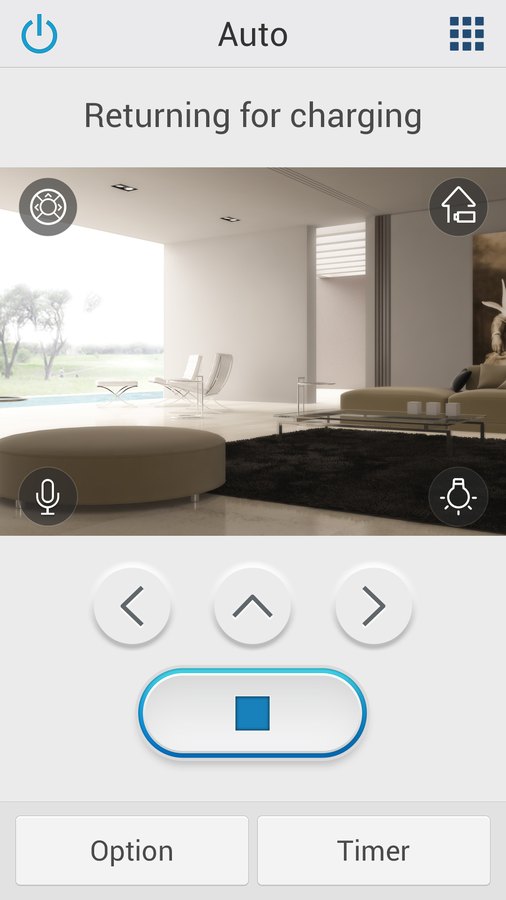
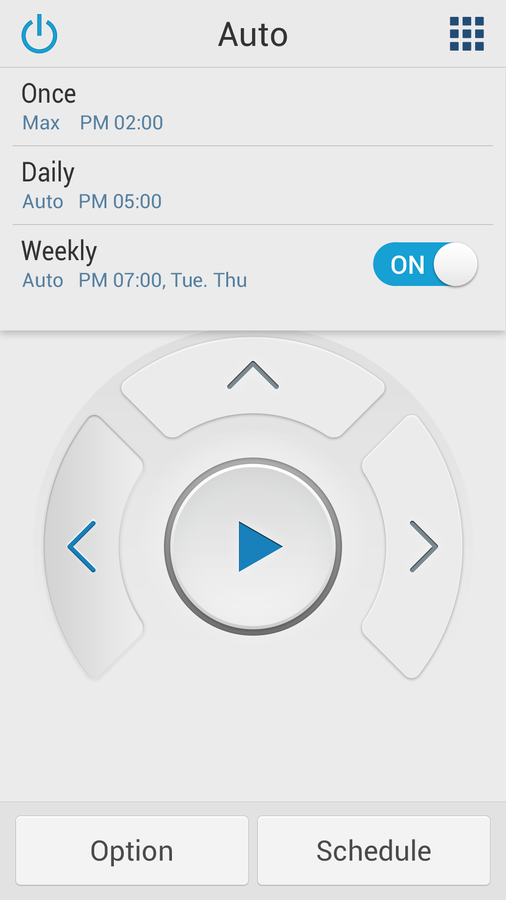
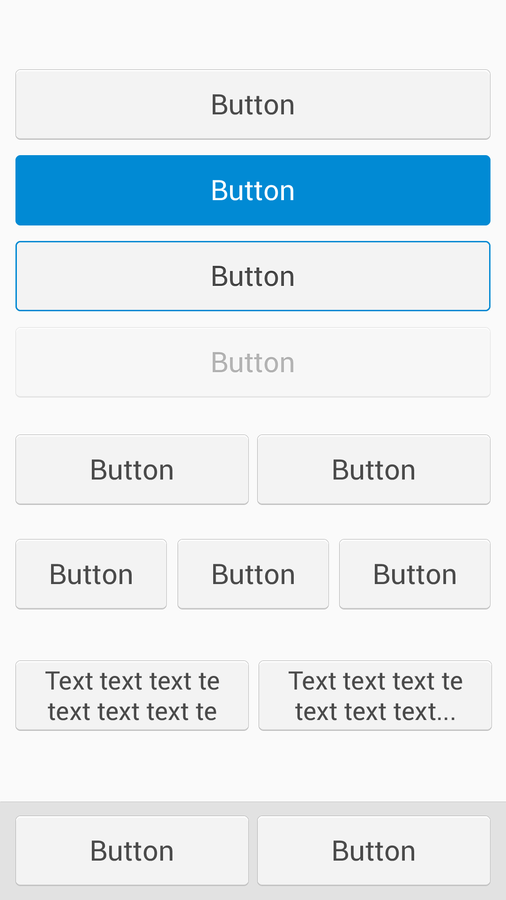
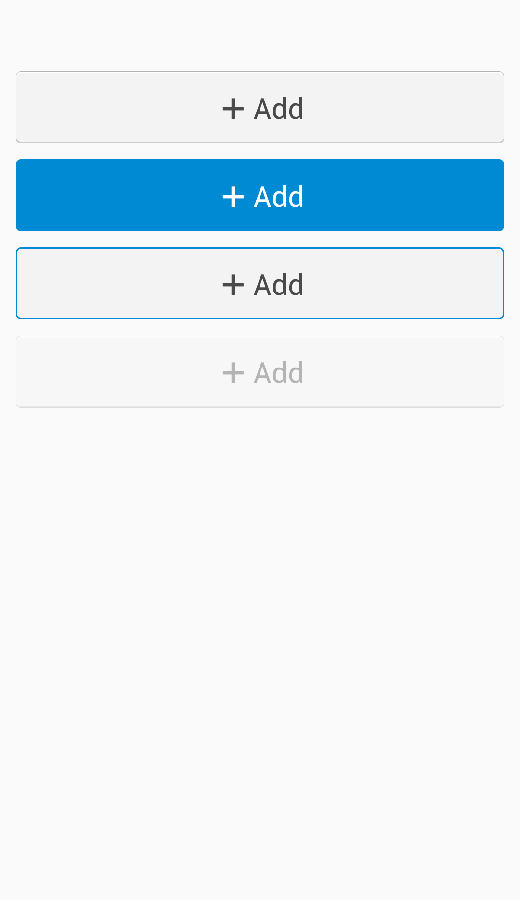
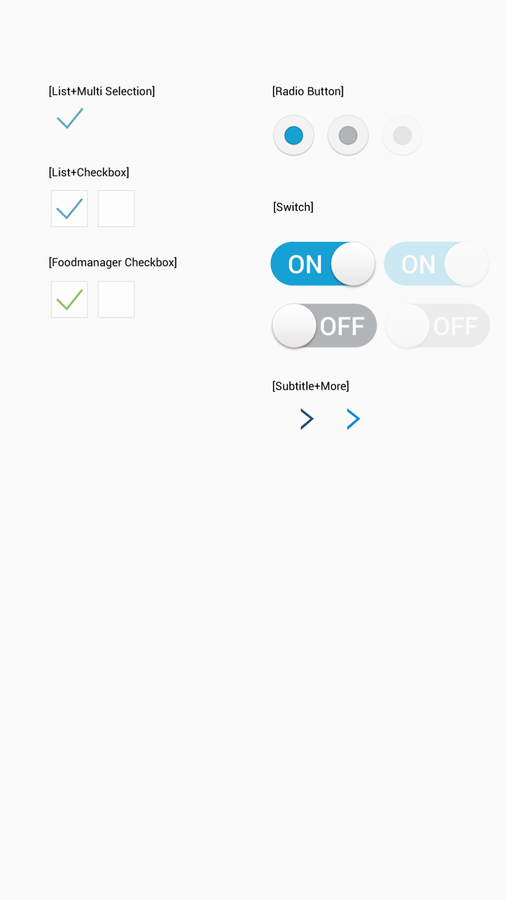
Cornerstone is an integrated mobile application for monitoring and controlling a whole house of appliances — washers, refrigerators, air conditioners, and robot vacuums — from a single interface, instead of one app per device.
The app is organized around intuitive mode presets — Going Out, Coming Home, Good Night, Good Morning — so that the intentions people actually have take one tap, rather than a walk through every device in the house. Real-time device status sits on the same screen, alongside a Home View that places those devices in the rooms they belong to.
Each device then gets a control screen shaped around its own primary action: a dial for temperature on the air conditioner, a live camera view and directional controls for the robot vacuum, cycle status for the washer, on/off state for a room of lamps. Scheduling is common to all of them, so it lives in one consistent place — once, daily, or weekly rules on top of the same controls.
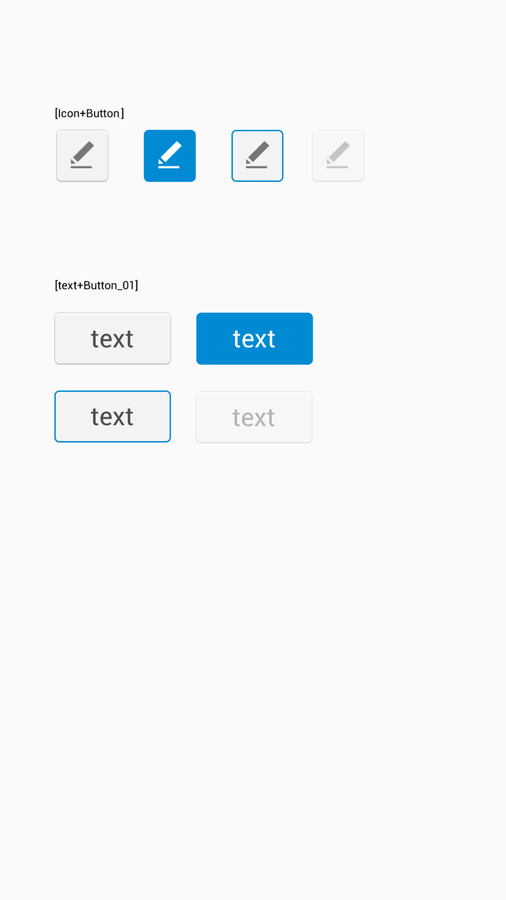
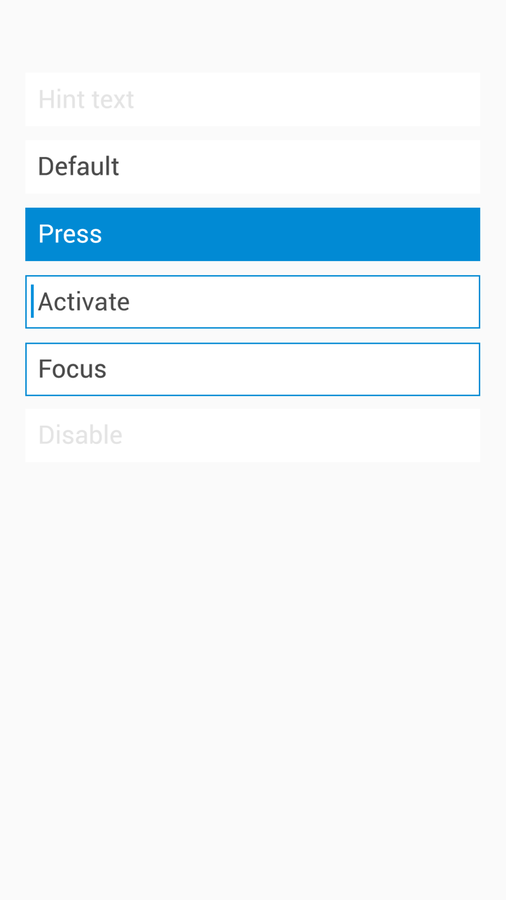
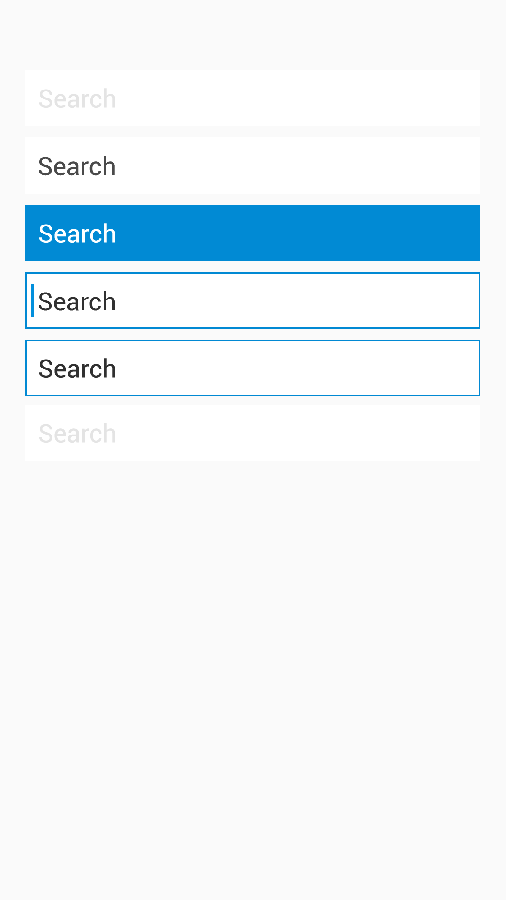
Holding that together across a growing set of appliances meant the components had to be specified rather than drawn per screen. Buttons, switches, checkboxes, text fields, and search fields were each defined across their full range of states — default, pressed, focused, disabled — so that a new device screen could be assembled from parts that already agreed with each other.
Smart Home Lighting
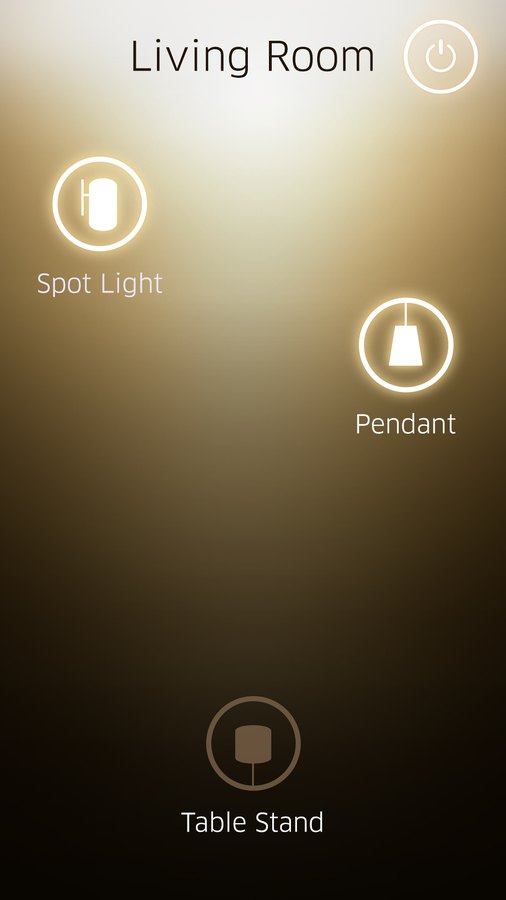
An intuitive lighting control app for connected lamps, covering everything from basic power functions to precise brightness levels from the palm of the hand.
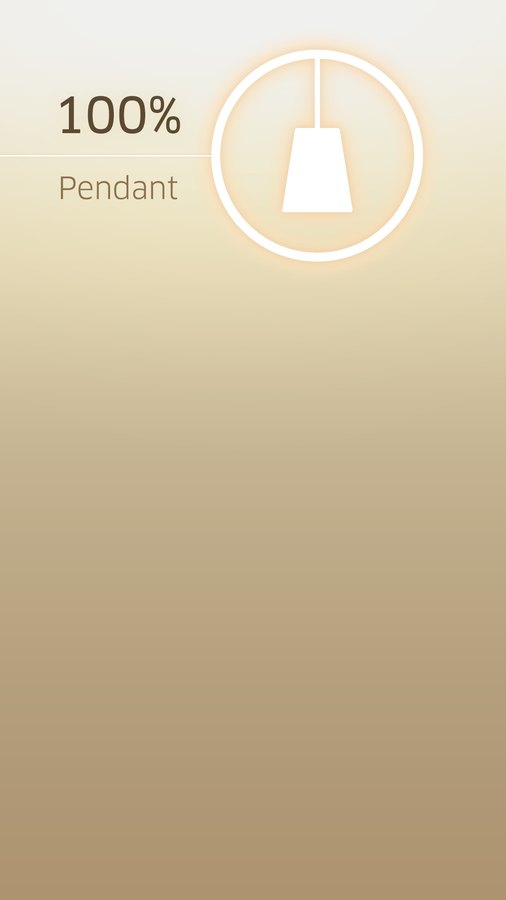
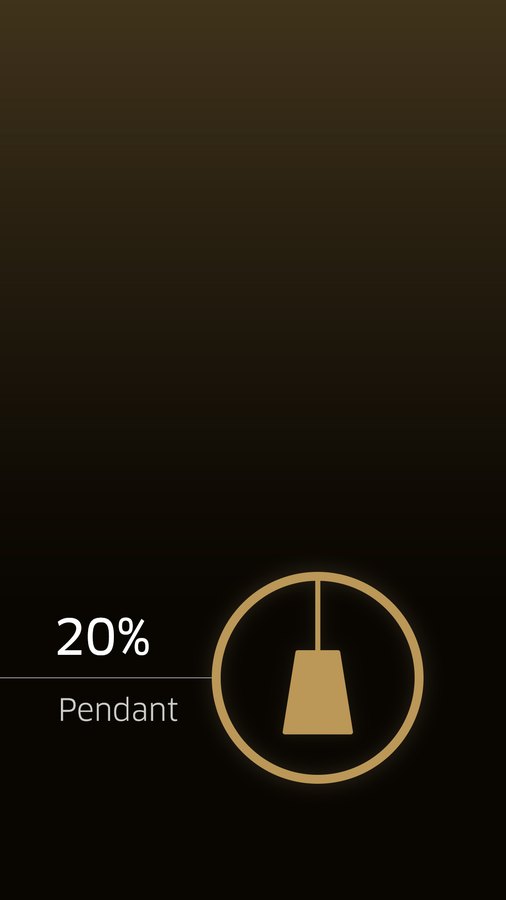
Intuitive visual representation. Each lamp type — spot light, pendant, table stand — has its own clear, simplified icon. The background is dynamic and colored: warm and bright at full power, transitioning to darker, less warm tones at lower brightness levels. The screen behaves like the light it controls, so the current state is readable before any number is.
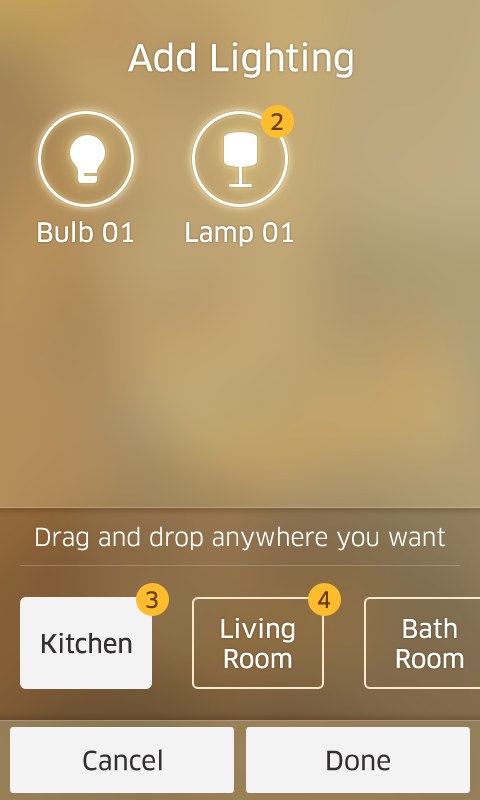
Contextual overview. Lamps are grouped by room — Living Room, Kitchen, Bath Room — making devices easy to find and control by location, and a central control screen shows multiple lamps and their individual power status at a glance.
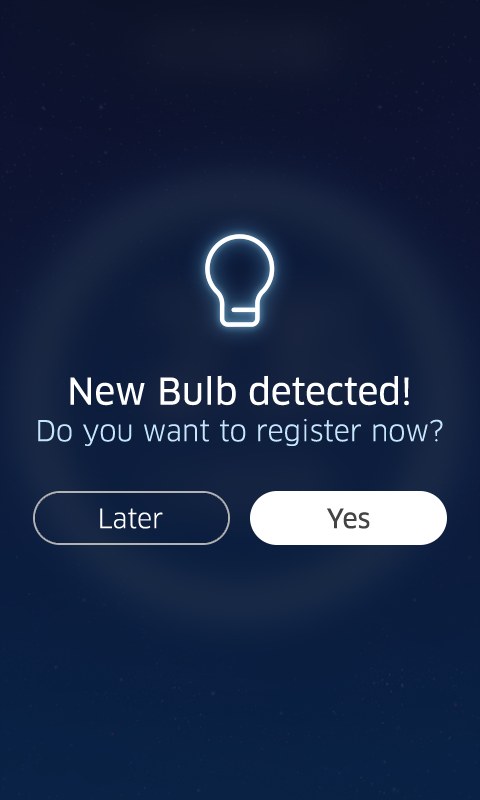
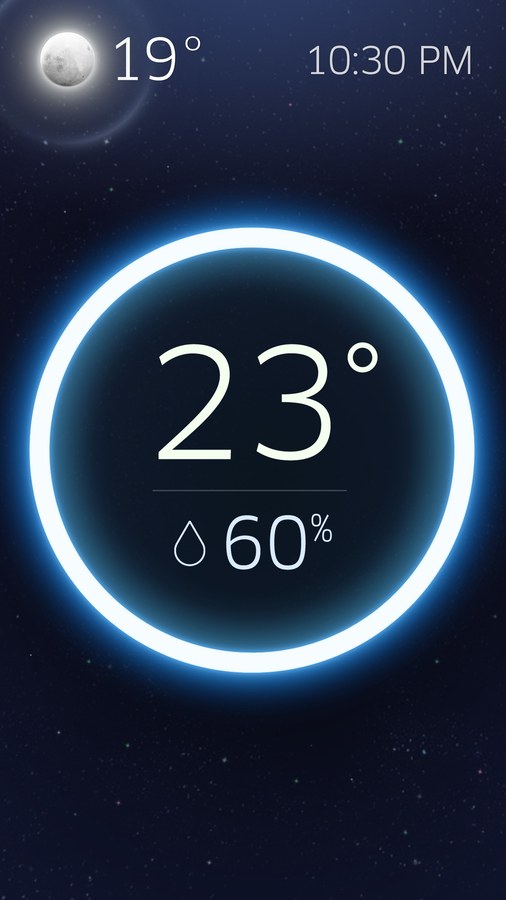
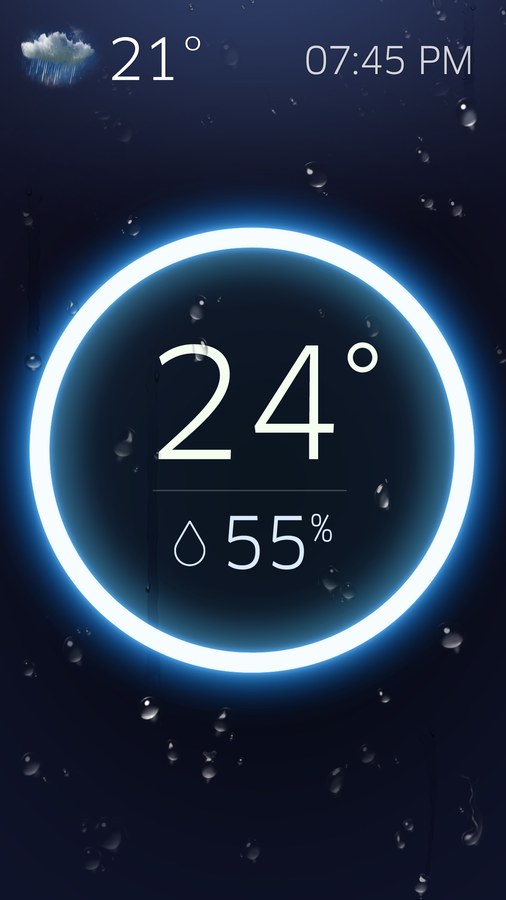
Setup and ambience. New bulbs announce themselves as soon as they are detected, and adding one is a matter of dragging it into the room it belongs to rather than filling in a form. An ambient screen carries the temperature and humidity of the room as a lit ring, so the display earns its place even when nobody is adjusting a light.
Streamlined control. The design focuses on the most common actions, power and brightness, with simple tap and slider interactions, and avoids deep menus so that the most critical controls stay within immediate reach.
Smart Q
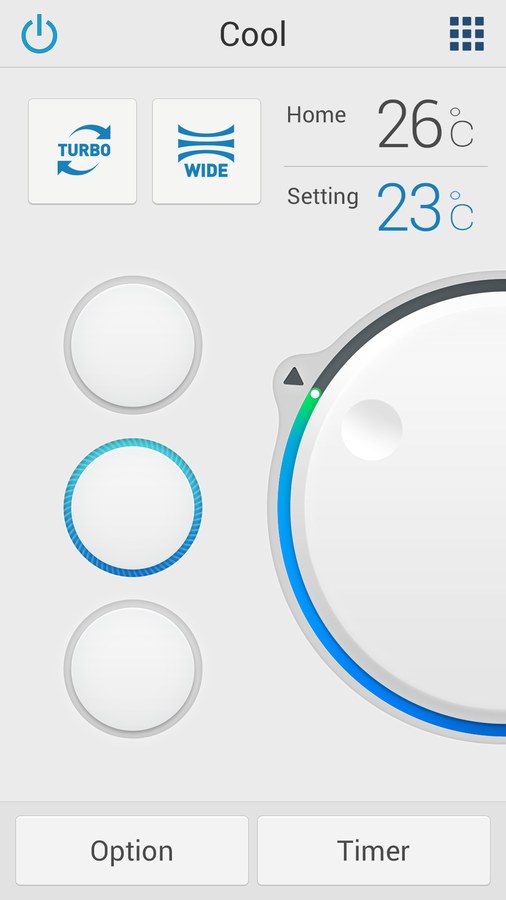
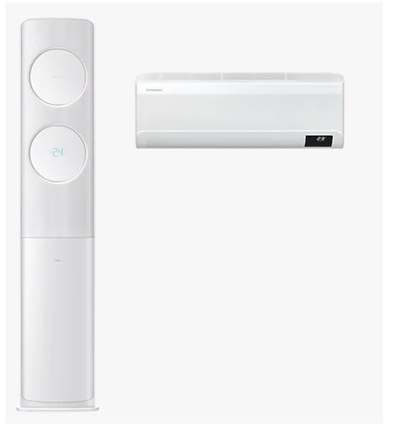
Smart Q is an air conditioner control application installed on a smartphone and used both indoors and outdoors, supporting voice control and touch control. I worked on it end to end.
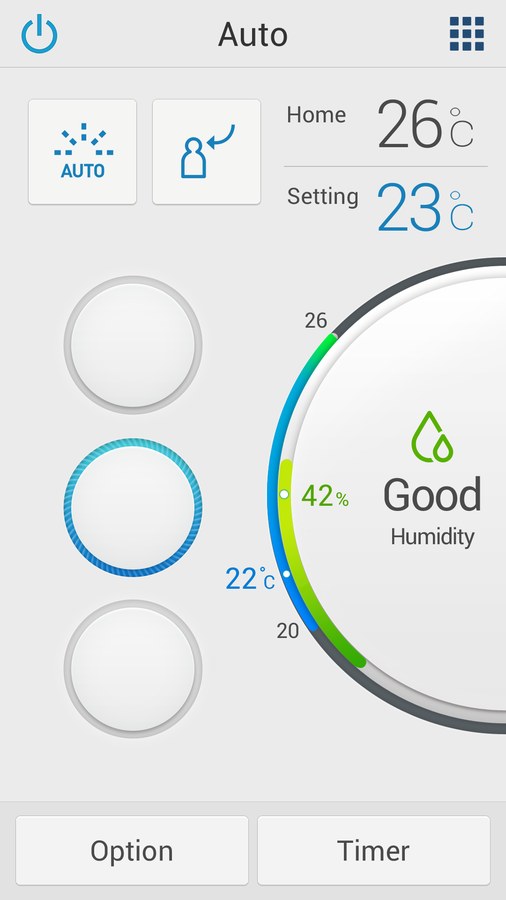
The product centers on smart cooling and humidity control. An intelligent cooling system maintains ideal indoor temperatures through automated climate tracking; automated humidity regulation keeps indoor humidity at optimal levels of 40–60% for continuous comfort; and the two are held in balance against each other, improving comfort while preventing excessive energy use.
That balance is what the interface had to make legible. A single dial carries the current room temperature, the target setting, and the humidity reading together, so the state of the room and the state of the machine can be read in one glance — and the humidity band is labelled in plain language, 'Good', rather than left as a number to interpret.
Recognition
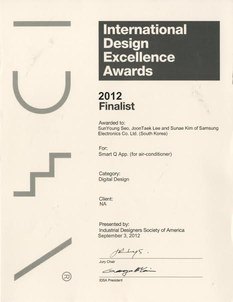
- International Design Excellence Awards (IDEA) Finalist — Digital Design